

Hard and softscapes planner: removals and materials
Measure what comes out and see the tons
Artificial turf counts as mixed or other.
Save this to your property
A free account turns these shapes into your property, where the planner sets the depth and disposal for each one and a crew quote starts from them. What you drew here stays on this device in the meantime.
See a finished plan
A real Phoenix yard, planned in Permascaping. Switch the view the way you would in the planner.
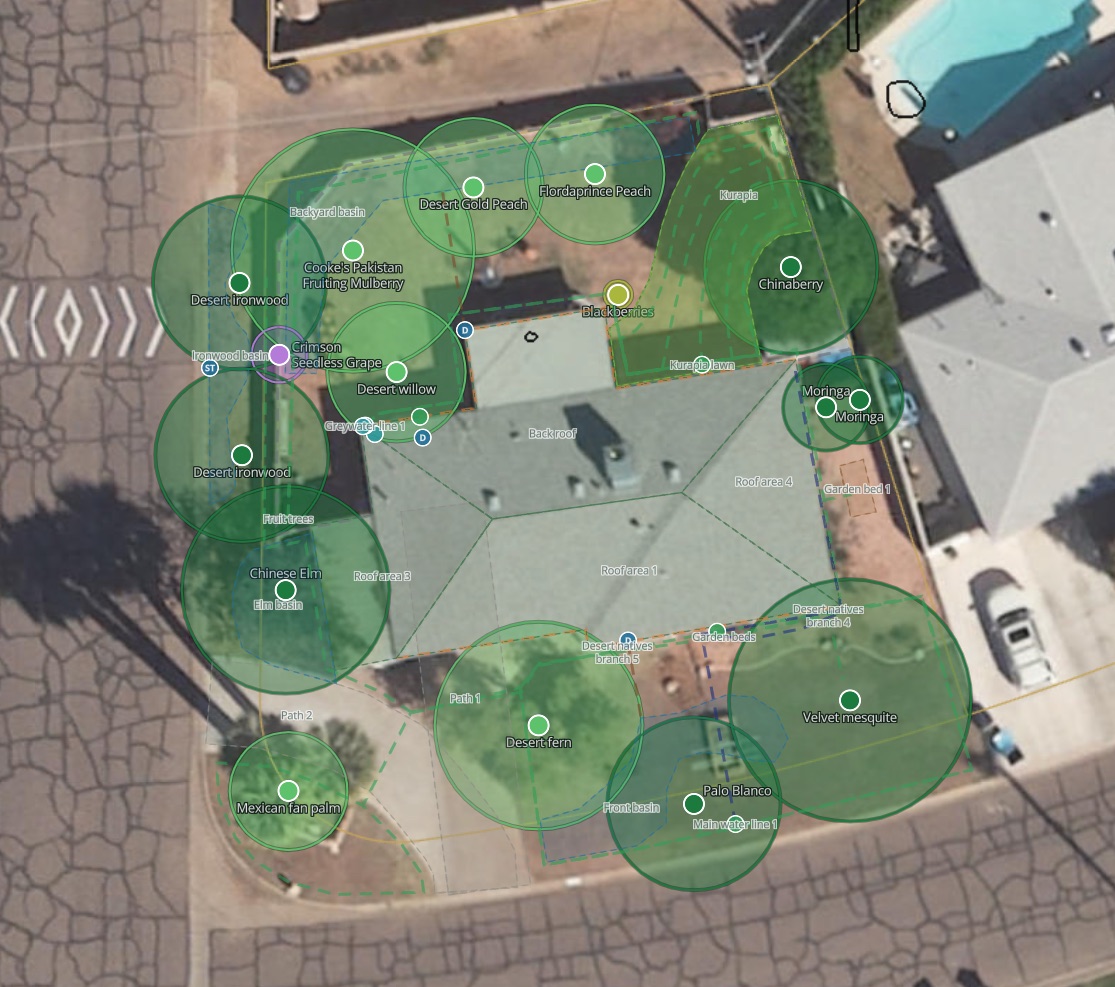
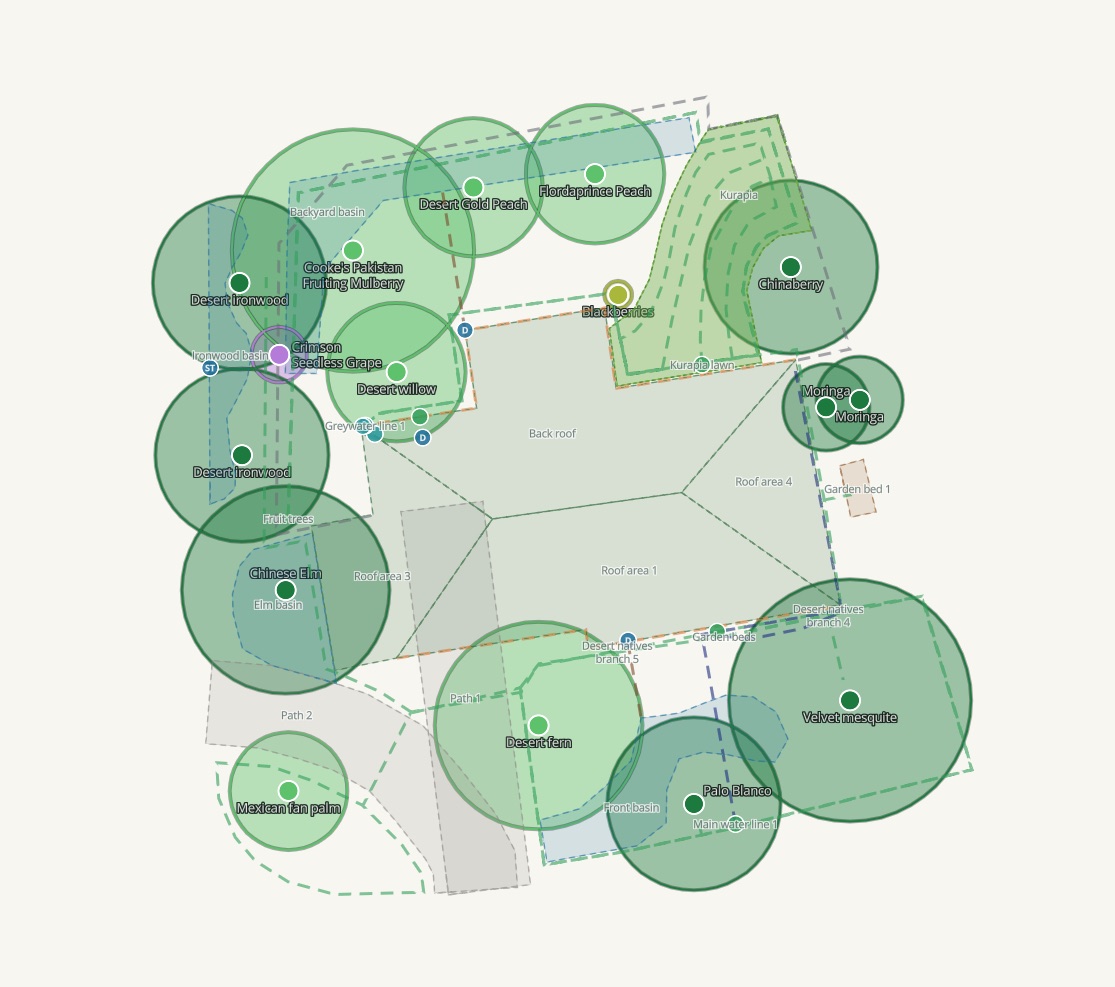
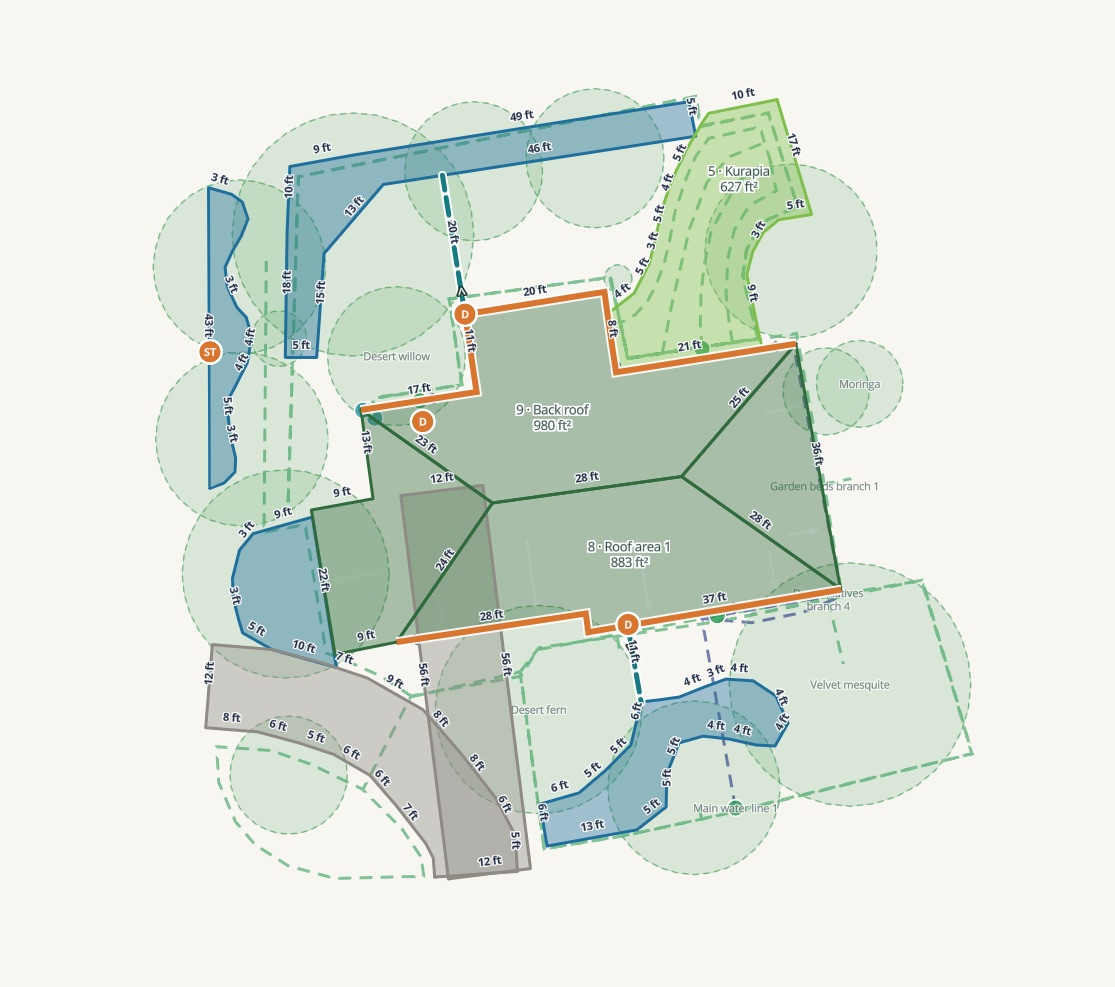
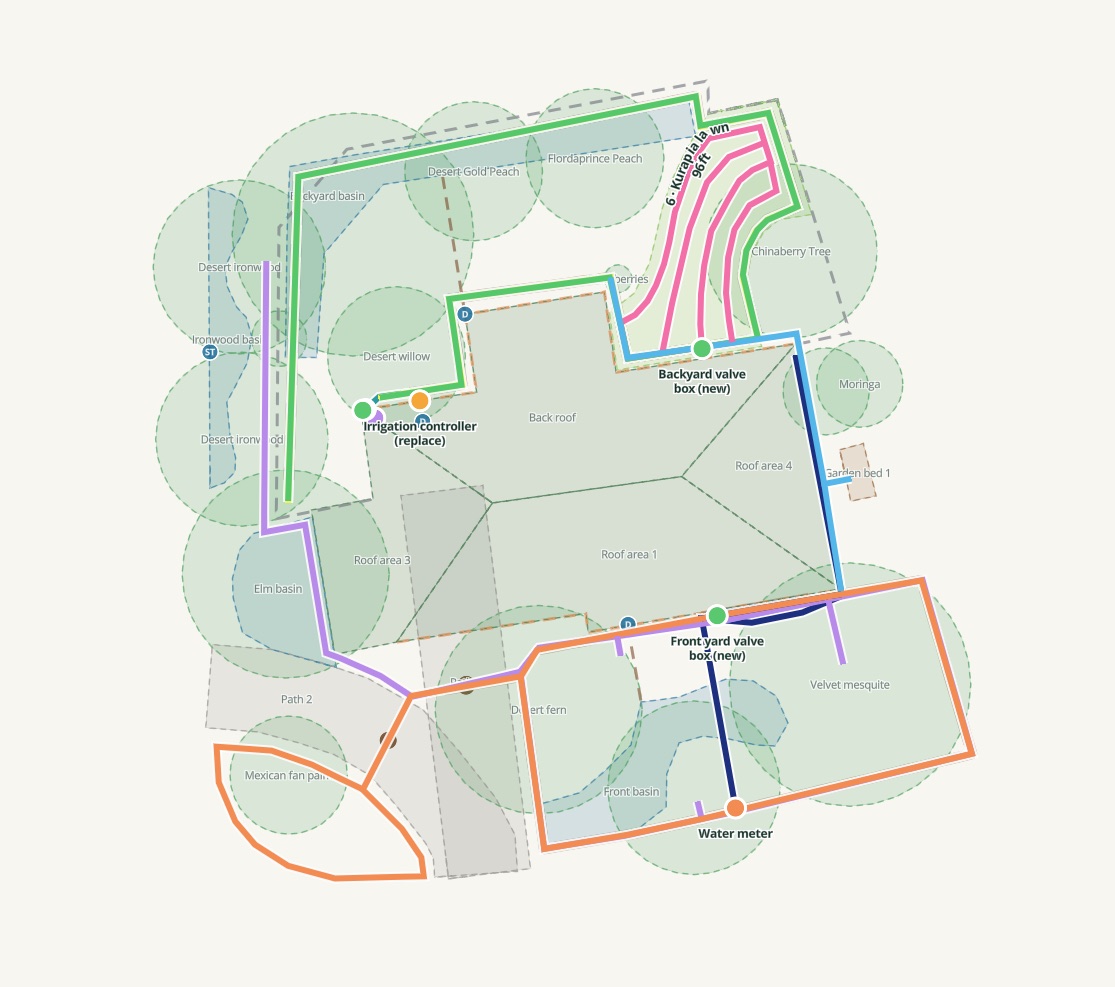
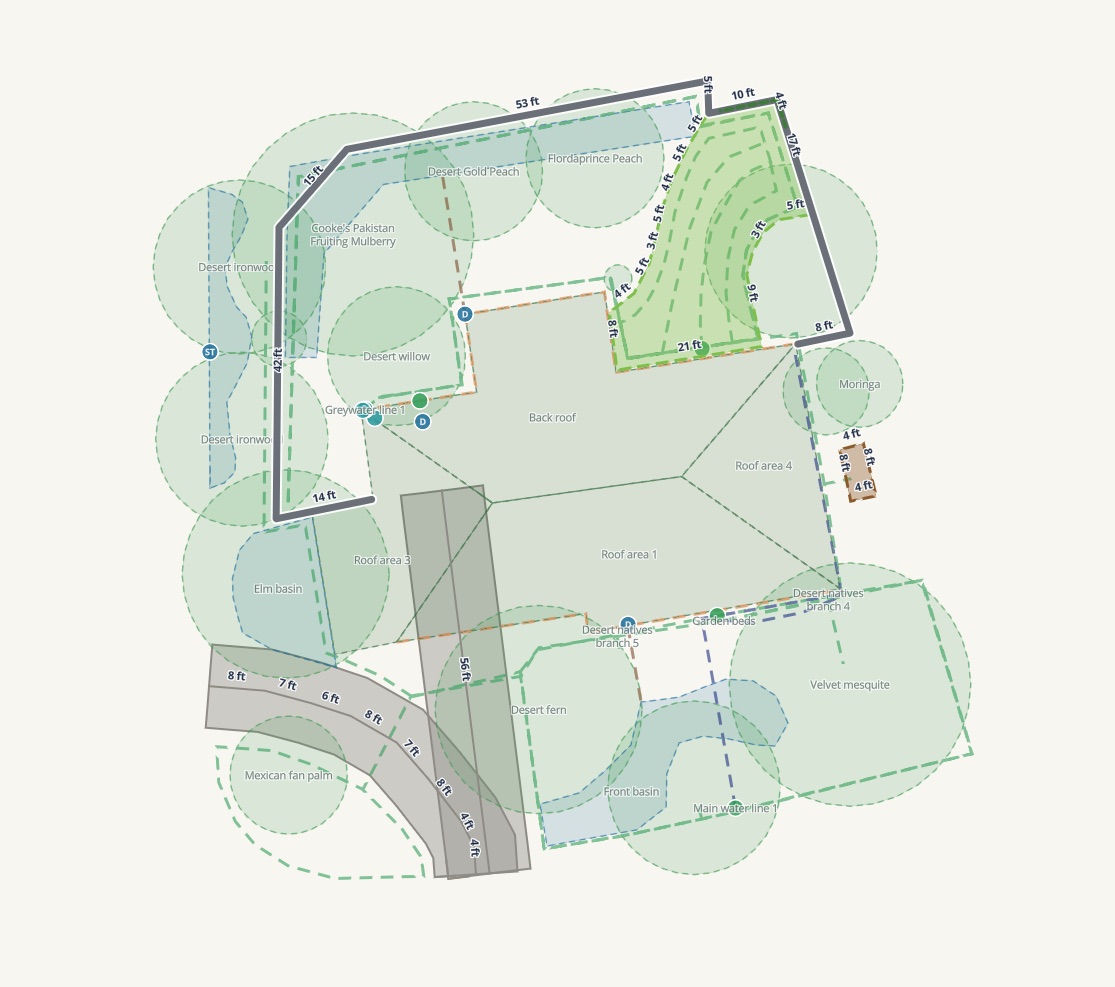
Paths, removals, mulch and beds, with their areas worked out.
What you can do
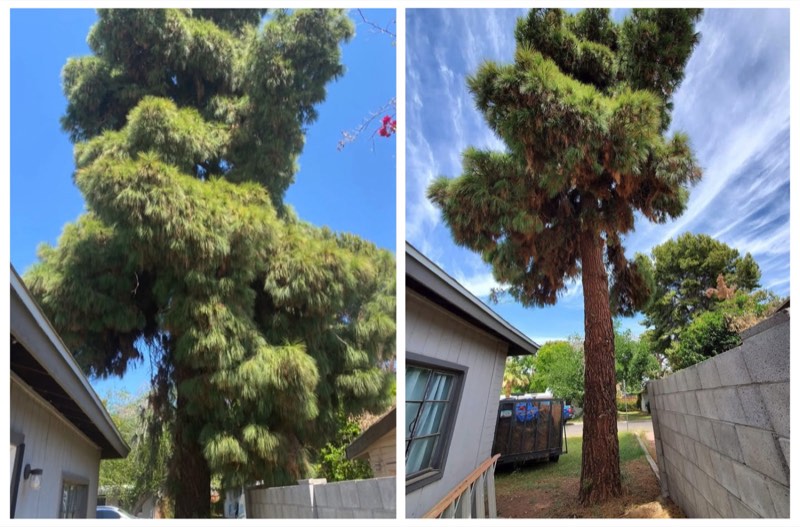
Outline what comes out Trace the lawn, the gravel, the concrete and the artificial turf on a satellite photo of your yard. Each shape gets its square footage and, by material and depth, the tons that have to be hauled, so you know the disposal picture before anyone brings a truck. 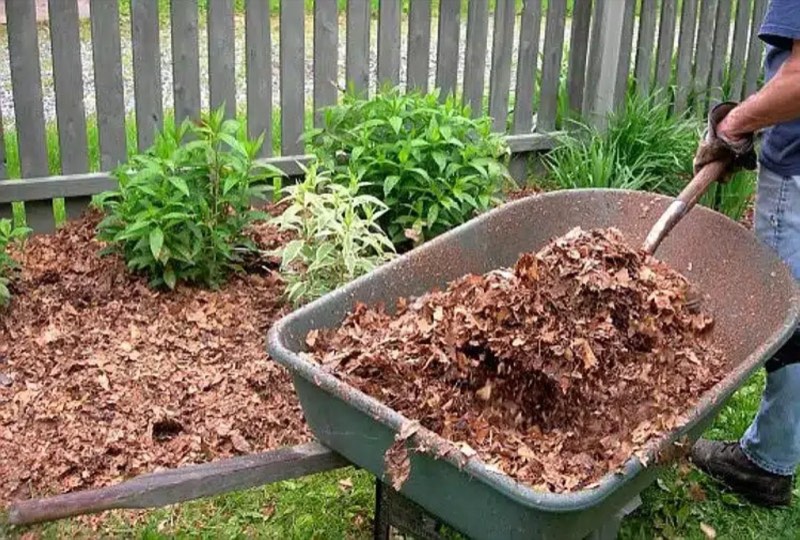
Size mulch and soil Trace where mulch, compost or soil goes, choose the depth, and the cubic yards work themselves out, with a little extra for settling and uneven ground. Six inches of mulch is the depth that actually protects desert soil. 
Order the materials or request a crew Order aged wood chips, compost or soil delivered from the same screen, or send the measured removal to us for a crew and a quote. The shapes you drew are the estimate.
How it goes
Pick a surface and trace it Lawn or sod, gravel, concrete, dirt, plants and branches, or mixed material such as artificial turf. Each area carries its own number, color and name on the map and in the list, and a shape you drew in the watershed planner can be reused instead of traced twice. 
Set the depth and read the volume For removals the depth gives the tons to haul. For mulch and soil it gives the cubic yards to order. Both update as you drag the depth. 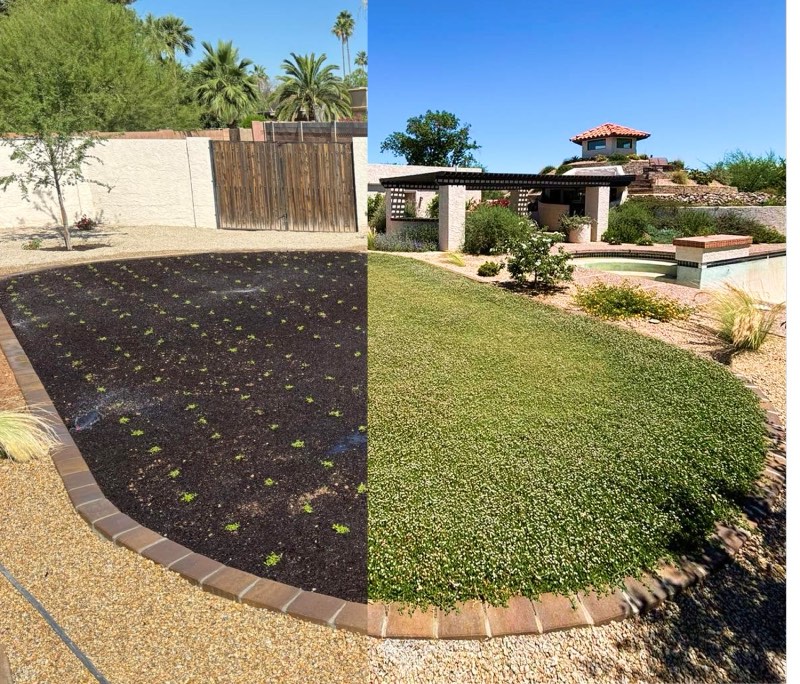
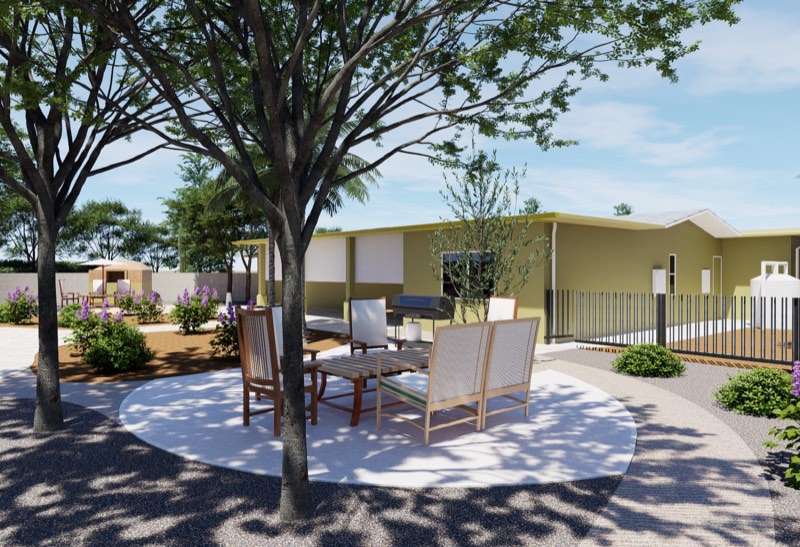
Replace the lawn with something that lives here The Lawn tab sizes a lawn alternative such as Kurapia by plugs or sod for the area you traced, so the removal and what goes in its place are planned together.
The numbers behind it
6 in of mulch is the depth that protects desert soil; less breaks down fast 54 sq ft is what one cubic yard covers at six inches deep 10 to 20 yd is a typical free ChipDrop load, and it cannot be split
What you'll know at the end
Square feet of each surface coming out, by material Tons to haul, known before the first shovel Cubic yards of mulch, compost or soil for each area A materials order or a crew request from the shapes you drew
Questions
What can I measure?
How does it work out the tons?
How much mulch do I need?
Can I order from here?
Do I need an account?
Request a consultation
“Permascaping transformed my front yard into a sustainable, beautiful oasis. … The team’s expertise and attention to detail were outstanding, creating a low-maintenance, eco-friendly landscape that I absolutely love. … Highly recommend Permascaping for anyone looking to elevate their outdoor space in Arizona!”